

Avoid Duplicate Data Entry: Manage ERP Related Master Data in eRequisition

Master Data Management Software for Procurement Control

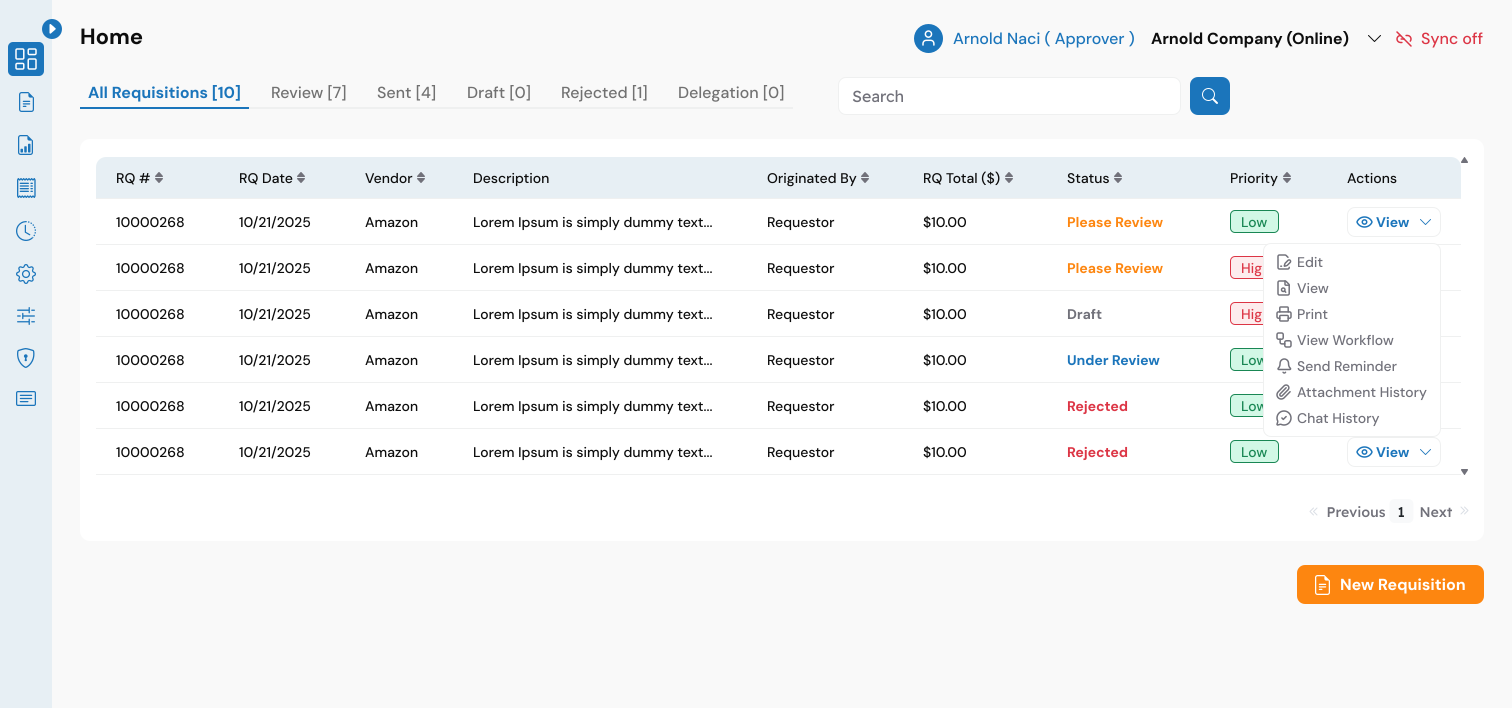
Master data management software helps businesses organize, control, and maintain master copy of vendors, items, and other master data entities across procurement processes. eRequisition centralizes master data to reduce errors, improve visibility, data duplication and streamline purchasing workflows. In modern procurement environments, data accuracy is critical. Isolated systems, duplicate records, and inconsistent information can lead to costly mistakes, delays, and compliance risks. With eRequisition, businesses gain a single source of truth for all procurement-related data, ensuring consistency across requisitions, purchase orders, approvals, and receiving.

master data management software

ENHANCED DATA ACCURACY AND CONSISTENCY

eRequisition ensures that all procurement data remains clean, structured, and consistent throughout every stage of the purchasing process. By removing duplication and standardizing how data is stored and used, it minimizes errors and creates a more reliable foundation for procurement operations.
EFFICIENT DATA SYNCHRONIZATION

With seamless synchronization across connected systems, eRequisition keeps your data aligned at all times. Changes made in one platform are instantly reflected across the entire system, reducing manual effort and ensuring that every team is working with the most up-to-date information.

STREAMLINED PROCUREMENT OPERATIONS

Centralized data management simplifies supplier and item handling, improves search and selection, and brings clarity to the entire procurement workflow. By organizing all critical data in one place, eRequisition allows teams to move faster and operate with greater efficiency.

Centralize Vendor, Item, and Purchasing Data

One of the most common challenges in procurement is managing data that exists in multiple systems. Vendor details may be updated in one place but not reflected in another, item catalogs quickly become outdated, and pricing inconsistencies create confusion across teams. Over time, this fragmentation leads to inefficiencies, delays, and a lack of trust in the data being used.

Two-Way Synchronization

You no longer need to worry about inconsistent vendor data between eRequisition and your ERP system. Any changes made to a vendor’s information, whether it’s contact details, payment terms, or account settings, are automatically reflected across both platforms. This ensures that procurement and finance teams are always working with accurate, up-to-date vendor records, reducing errors and improving overall efficiency. By maintaining a single, synchronized vendor database, businesses can strengthen supplier relationships and streamline purchasing operations.

Two-Way Synchronization

Keep customer data aligned across systems with seamless, bi-directional synchronization. Updates such as new customer entries, changes to contact information, or modifications to existing records are instantly reflected in both eRequisition and your ERP platform. This consistency ensures that every team has access to the same reliable data, eliminating confusion and improving communication. With synchronized customer data, organizations can operate more efficiently while maintaining a clear and accurate view of their business relationships.

Two-Way Synchronization

Managing product and item data becomes effortless with real-time synchronization between platforms. Any additions or updates to item descriptions, pricing, or categories are automatically mirrored across eRequisition and your ERP system. This eliminates discrepancies and ensures that procurement teams always work with accurate product information. By maintaining consistency across systems, businesses can improve purchasing accuracy, reduce delays, and create a more reliable procurement process.

One-Way Synchronization

Ensure accurate financial alignment by synchronizing your GL accounts directly with your ERP system. Changes made within eRequisition are automatically pushed to QuickBooks and NetSuite, keeping your financial structure consistent and up to date. This streamlined flow of information reduces manual data handling and minimizes the risk of reporting errors. With properly synchronized accounts, organizations gain better visibility into financial data and maintain stronger control over their accounting processes.

Two-Way Synchronization

Keeping your data organized and categorized is simple with class synchronization. Any updates to class structures, whether created in eRequisition or within your ERP system, are instantly reflected across both platforms. This ensures consistency in how transactions are tracked and reported, making it easier to analyze data and maintain accurate records. With aligned classifications, businesses can improve reporting clarity and maintain better control over their operations.

One-Way Synchronization

Purchase orders created in eRequisition are automatically synchronized with QuickBooks and NetSuite, ensuring accurate and efficient purchase management. This eliminates the need for manual data entry and reduces the risk of discrepancies between systems. By keeping purchase order data aligned with financial records, businesses can maintain better control over spending and ensure that reporting remains consistent and reliable.

One-Way Synchronization

Receiving data captured in eRequisition is seamlessly synchronized with your ERP system, supporting a complete three-way matching process between purchase orders, invoices, and received goods. This ensures that every transaction is properly validated and accounted for, reducing errors and improving financial accuracy. With synchronized receiving information, organizations can maintain tighter control over inventory and ensure a smooth procurement lifecycle from order to fulfillment.

Get Started With eRequisition

Stay on top of your procurement operations, eliminate data inconsistencies, and build a more reliable foundation for growth with eRequisition.

This field is for validation purposes and should be left unchanged.
Name(Required)